Photo Merge - Collage Maker
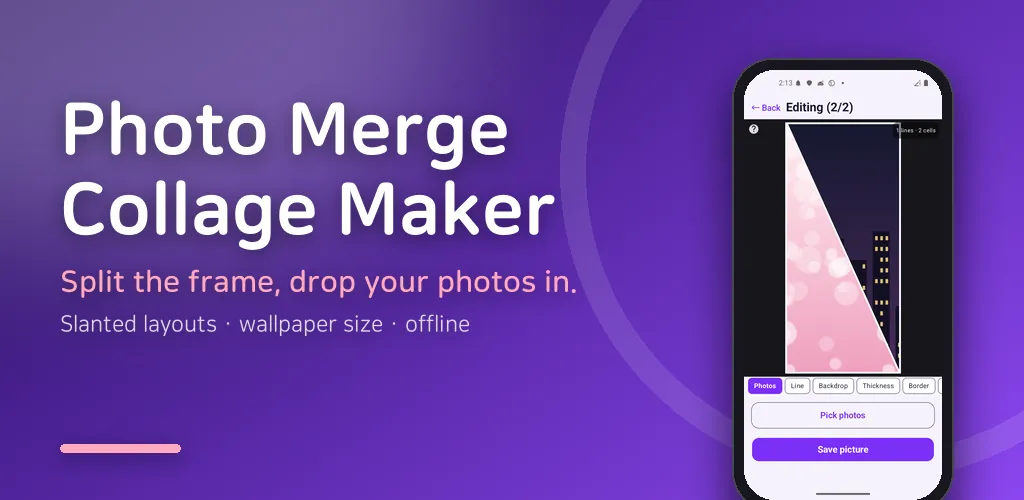
Merge photos into one. Split the frame, drop photos in, save as your wallpaper.
About this app
Merge several photos into a single picture. Split the frame into cells, drop your photos in, done.
Sized for your phone wallpaper
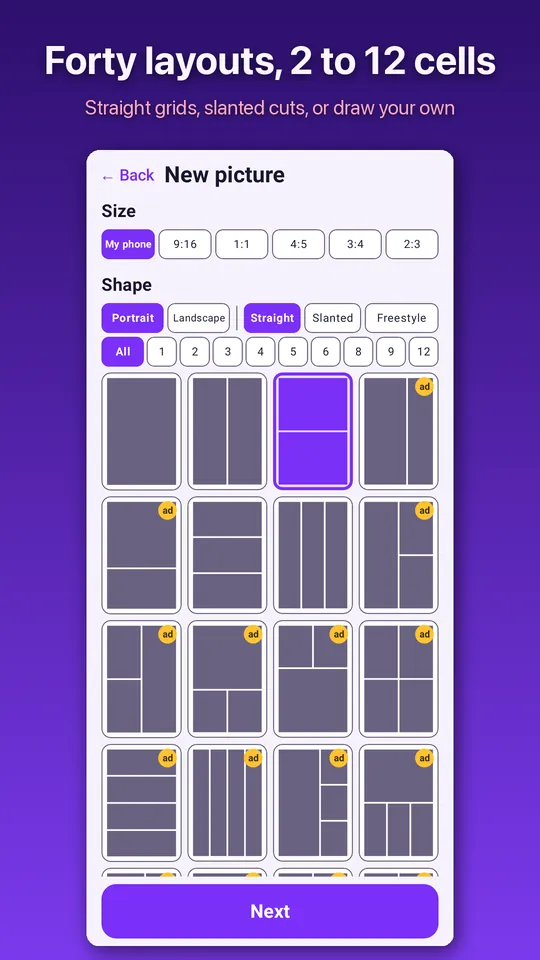
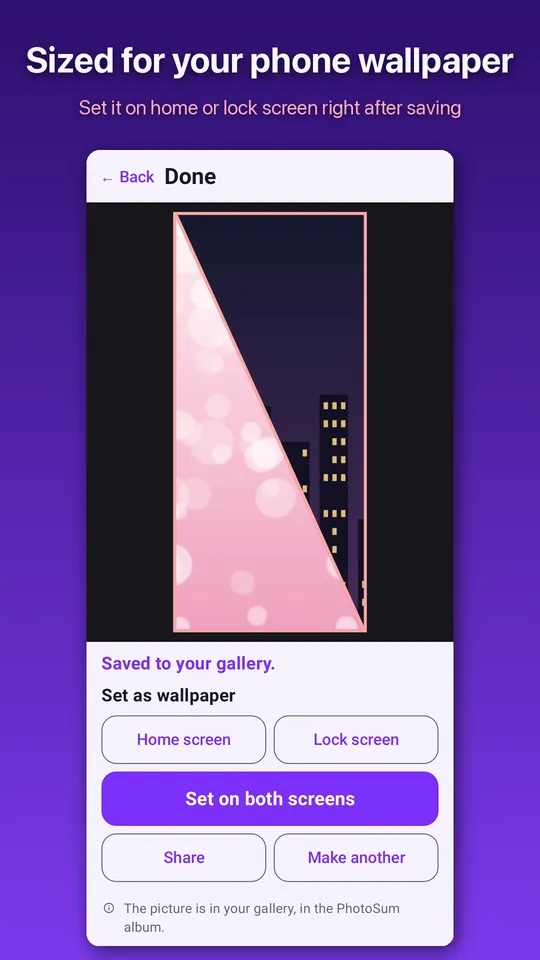
Start with "My phone" and the picture comes out exactly your screen's shape, so nothing gets cut off when you set it as wallpaper. Right after saving you can apply it to your home screen, lock screen, or both. Common ratios (1:1, 4:5, 9:16) are there too, and one button flips everything to landscape.
Forty shapes, or draw your own
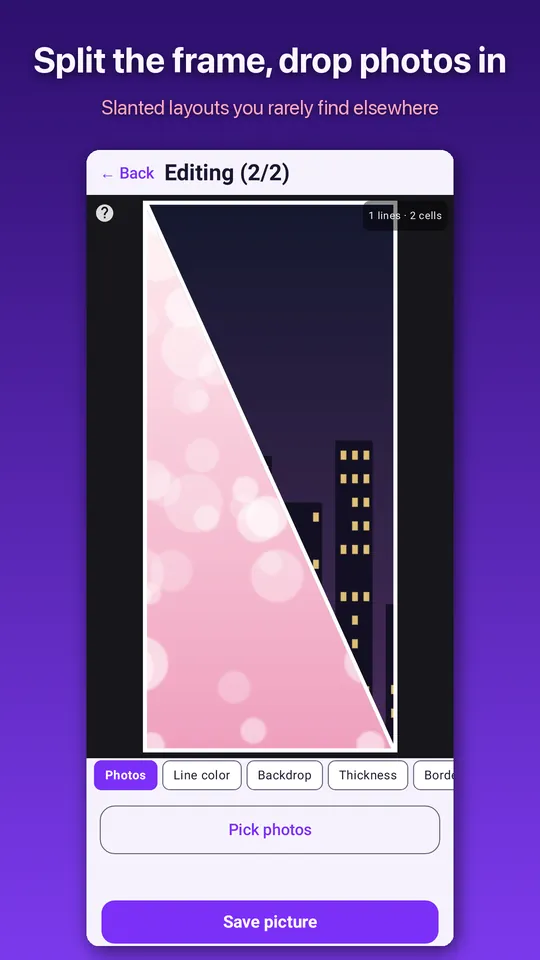
Straight grids from 2 up to 12 cells, plus slanted layouts you rarely find elsewhere. If none of them fit, Freestyle lets you draw the dividing lines with your finger. Draw roughly straight and it snaps straight; any line can be grabbed later to move or delete. Shapes you make are kept in a list for next time.
Place each photo the way you want
Two fingers set size and angle, one finger moves the photo. Shrink it below the original and the backdrop colour shows through, so airy layouts are easy. Long-press a cell and drag it onto another to swap them.
Colours and spacing are yours
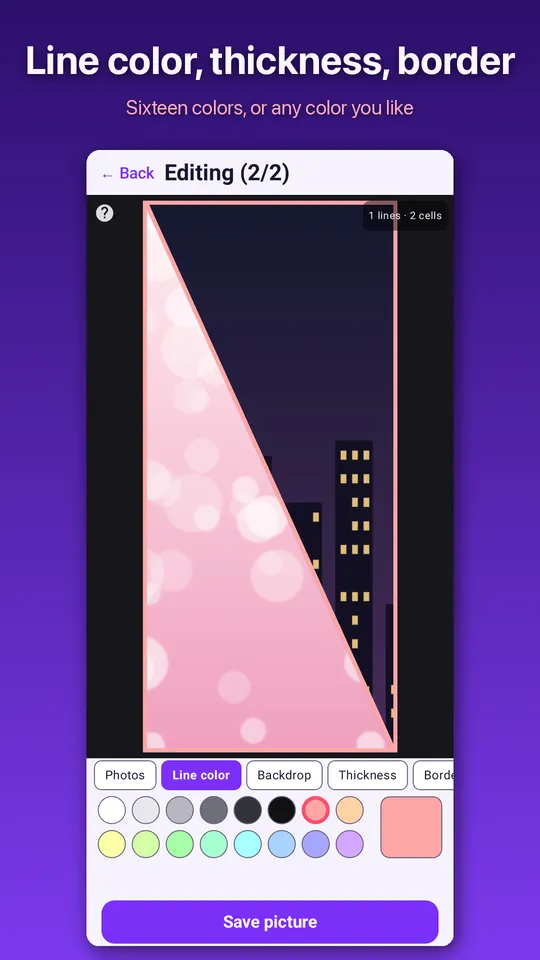
Line colour and thickness, corner rounding, outer border and the backdrop behind photos are all separate controls. Pick from the palette or mix your own colour.
What you make stays on your phone
Works offline. Your photos never leave the device, there is no account and no sign-in, and nothing is stamped on the picture you save. The app does not look through your gallery either — it asks for no photo permission and only receives the images you pick yourself.
Your pictures
Results go to your gallery, and "See my pictures" in the app reopens them for wallpaper or sharing.
Good for
· Turning trip, kid or pet photos into one wallpaper
· Building a quick grid image for social posts
· Putting before and after shots side by side
Ads: No purchases. The basic cell shapes (1, 2, 3-cell grids plus one diagonal) need no ads at all, and one interstitial appears when you save a picture. Other cell shapes are unlocked for good by a single rewarded ad; drawing a new freestyle shape asks for one each time (shapes you already saved stay free).
Android · free with ads · Developer: RealTunaLove · Store listing in 17 languages
Background story: why I built it